
Allocations are the method used to release bedroom availability to the Alacer web engine.
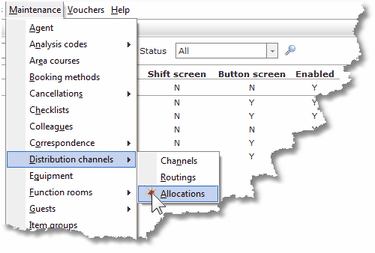
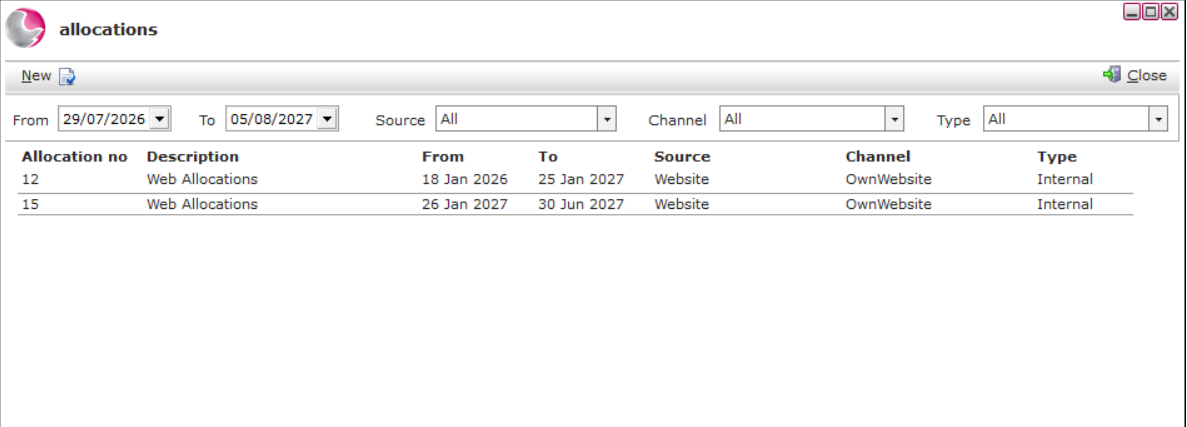
1. Select Distribution channels then Allocations from the Maintenance Menu.
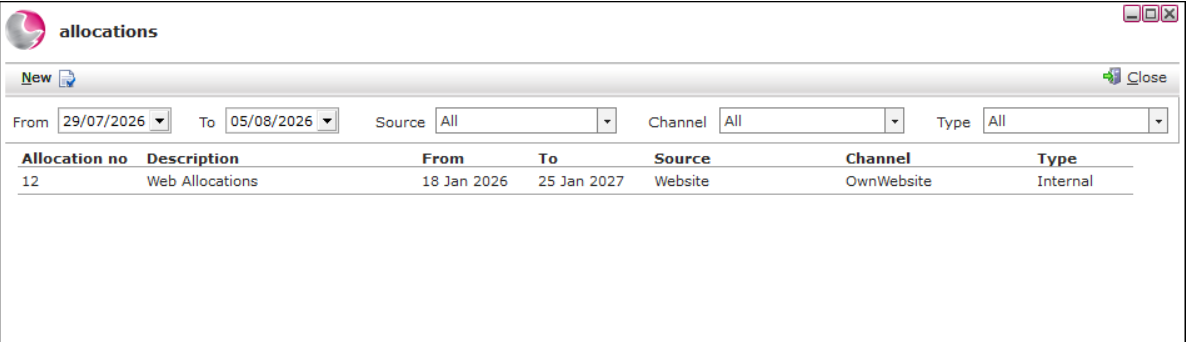
2. To create future allocations, extend the dates on the allocation form.
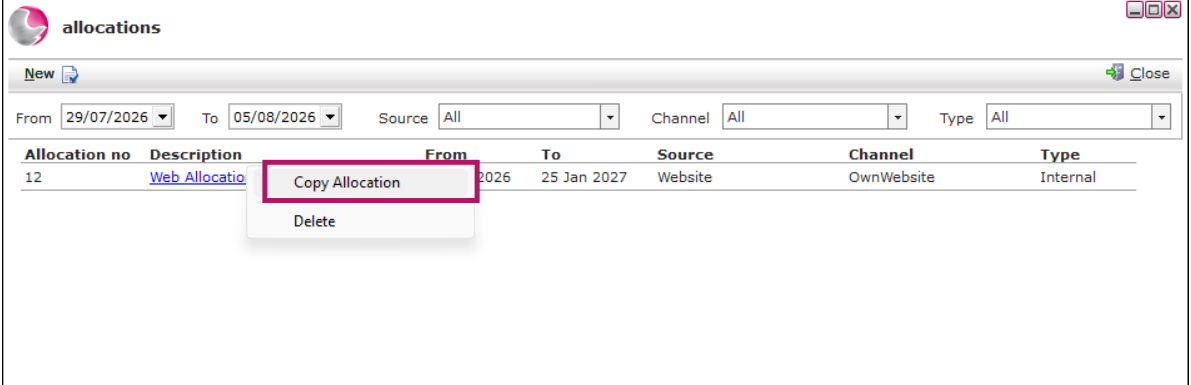
3. Right click on the latest months allocation and click copy allocation.
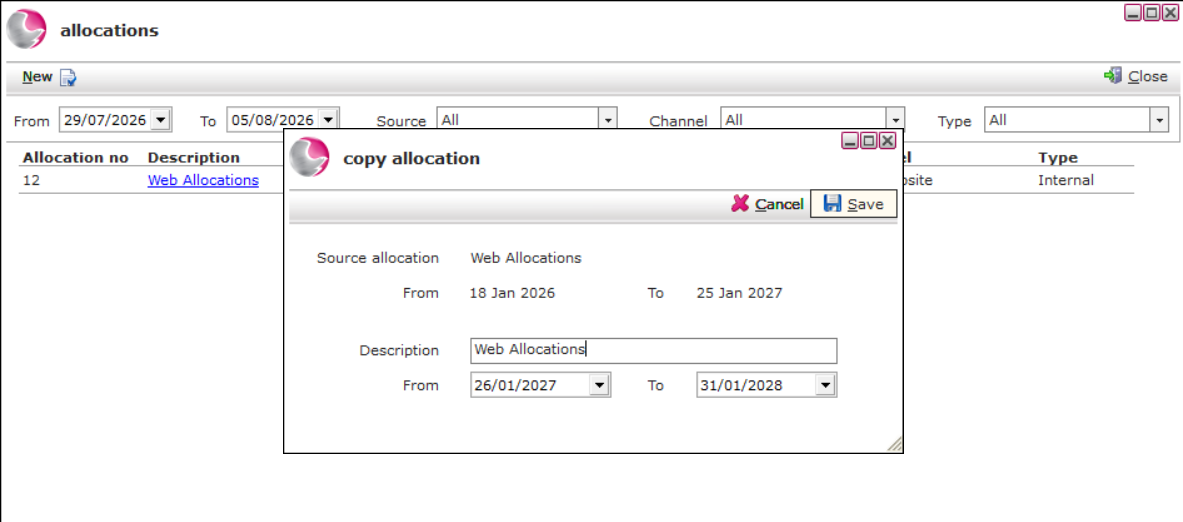
4. Enter a description, then select the date range. Click Save
See next: How to Create a New Allocations (Distribution Channels)
How to Create a New Rate Code