
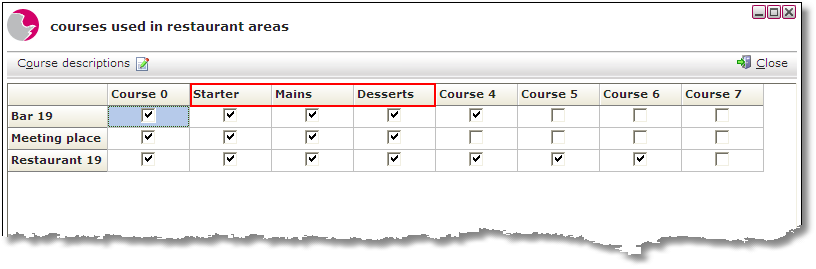
Area courses are used when the Courses and position tracking function is used from within EPoS and Restaurant Manager. Restaurant managers can state how many courses are on offer in each area of the restaurant.
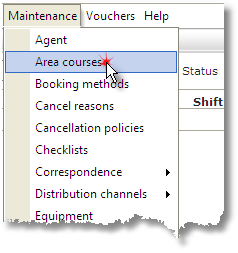
1. Select Area Courses from the Maintenance menu.
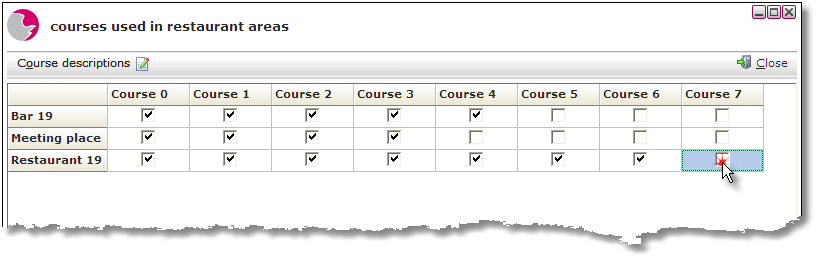
2. The Courses used in restaurant areas form will be displayed. Un-tick any boxes where courses are not used in that area.
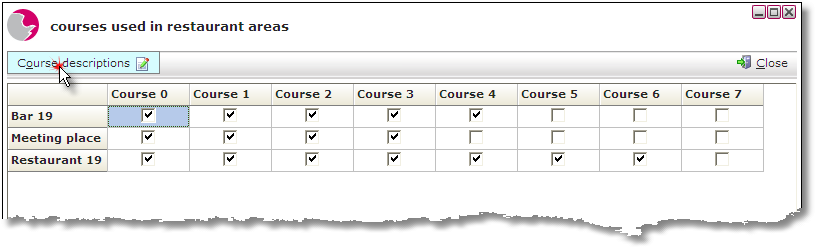
3. Course descriptions can be changed to meet individual restaurant standards. Select the Course description button.
4. Change the short and full descriptions to relevant alternatives. Press Save.
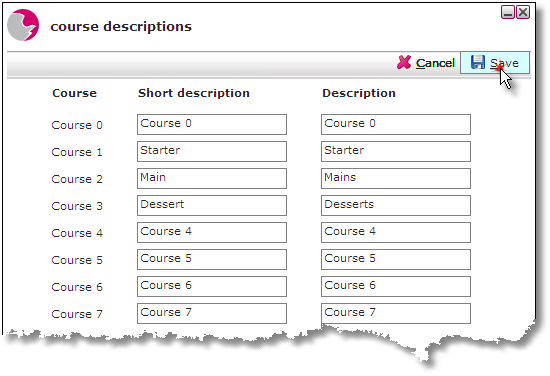
5. The course descriptions will be updated
See next: How to Create a New Item
How to Create Item Groups and SubGroups