
Booking methods are a marketing tool which tracks how a reservation is made i.e. online or over the telephone.
Adding Booking Methods
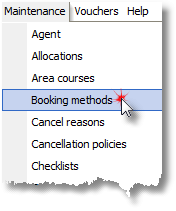
1. Select Booking methods from the Maintenance Menu.
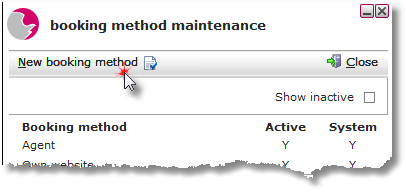
2. Click New booking method in the booking method maintenance form.
3. Enter a booking method in the Description field. Click active Yes.
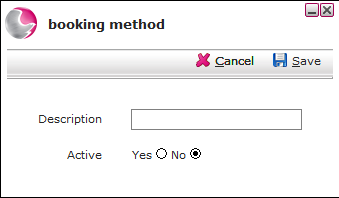
4. Click Save. The new booking method will appear instantly.
Deleting a booking method
1. Select Booking methods from the Maintenance Menu.
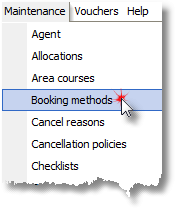
2. Right click on the selected booking method.
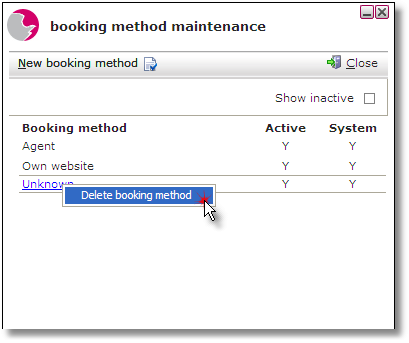
Please note: A booking method can only be deleted if it hasn't been assigned to a reservation.
3. Click Delete booking method
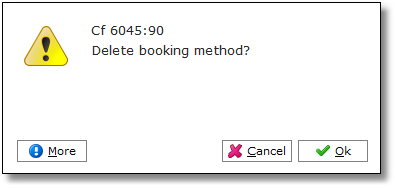
4. Click OK.
See next: How to Add New Source Code
How to Add New Purpose of Stay