
If a guest cancels their booking by any means e.g. phone, fax, email etc. a reason for the cancellation needs to be entered against the booking, this can help track any concurring issues that the establishment may be able to rectify
For example: if 'found somewhere cheaper' was reason then this could be an issue that the establishment could investigate and address to reduce the number of cancellations based on this one factor.
Adding Cancellation Reasons
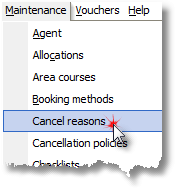
1. Select Cancel reasons from the Maintenance Menu.
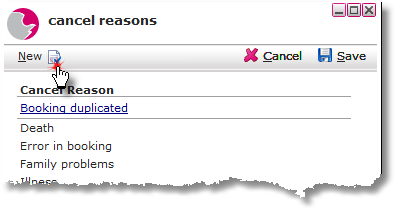
2. Click New.
3. Enter the cancel reason in the Description field.
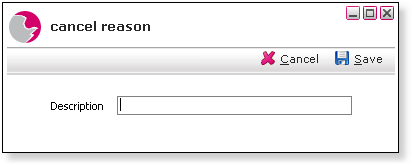
4. Click Save.
Delete a Cancel Reason
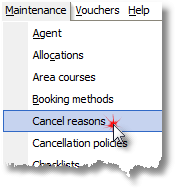
1. Select Cancel reasons from the Maintenance Menu.
2. Right click on the selected cancel reason.
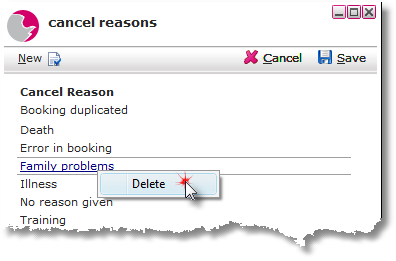
3. Click Delete.
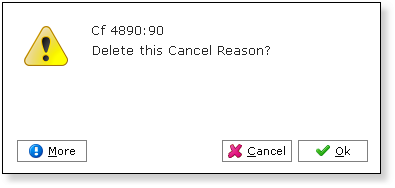
4. Click OK.
See next: How to Cancel a Bedroom Reservation
How to Add Discount Reasons