
Itinerary items are used as part of an even itinerary to devise a detailed plan for an individual event.
Add Standard Itinerary Item
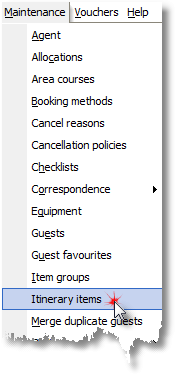
1. Select Itinerary items from the Maintenance Menu.
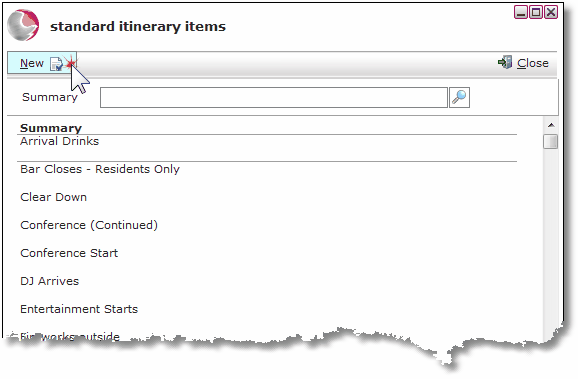
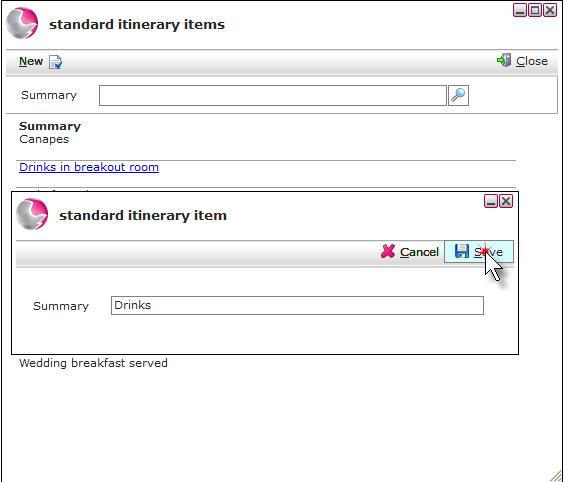
2. Click New.
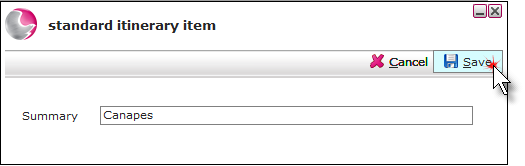
3. Enter a description for the itinerary item in the summary field. Click Save.
Amend Standard Itinerary Item
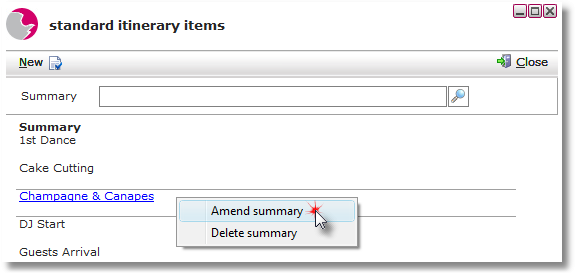
1. Right click on the selected standard itinerary item. Click Amend summary.
2. Update the summary and click Save.
Delete Standard Itinerary Item
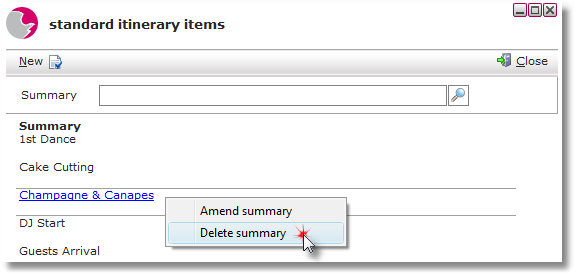
1. Right click on the itinerary item. Click Delete summary.
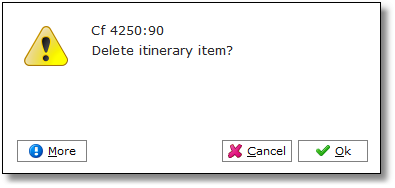
2. Click OK.
See next: How to Create Event Itinerary
How to Create Itinerary for an Event