
Notes can be added to reservations as reminders or specific instructions.
For example: A note to Housekeeping might be a request for synthetic bedding due to an allergy.
There are some commonly used note actions already set up in the software to use immediately (these are called system notes). Other note actions can be added as required.
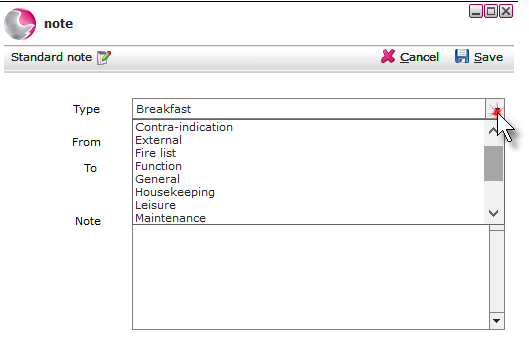
Adding Note Actions
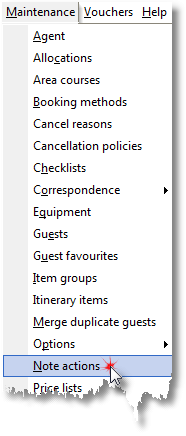
1. Click Note Actions from the Maintenance Menu.
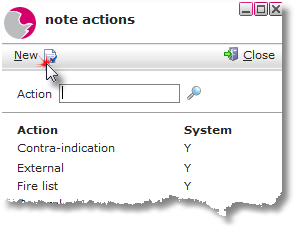
2. Click New in the note actions form.
3. Enter a description in the Action field. Click Editable Yes.
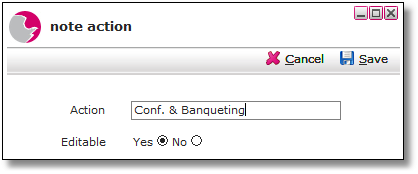
4. Click Save.
Deleting Note Actions
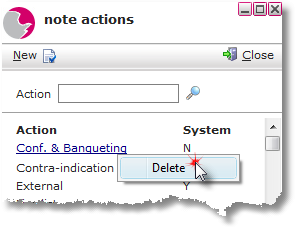
A system note action cannot be deleted. System notes are marked as Y under the System heading.
1. Right click on the selected note action. Click on Delete.
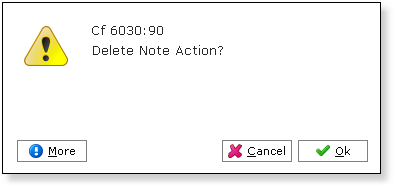
2. Click OK.
See next: How to Add a Note to Hotel Bookings
How to Create Standard Note for Event Booking
How to Add a Note to Restaurant Booking