
Source codes are used for marketing purposes to track how customers heard about the company. This field can be made mandatory in the reservation forms to ensure that the user enters the information when creating a booking.
Adding a New Source Code
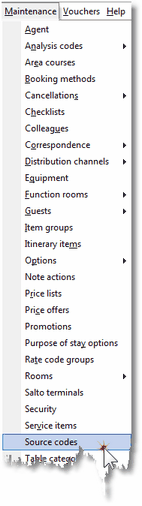
1. Click Source Codes from the Maintenance Menu.
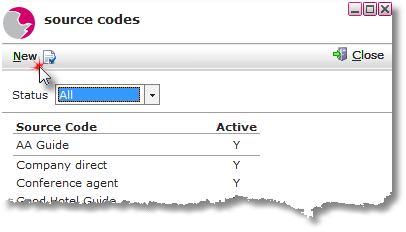
2. Click New.
3. Enter the Source code description i.e. word of mouth, social media, radio etc. Click Active.
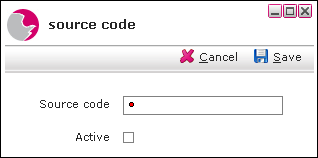
4. Click Save.
Deleting a Source Code
1. Right click on the selected source code.
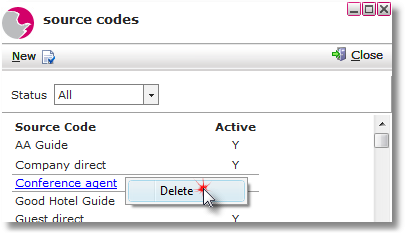
2. Click Delete.
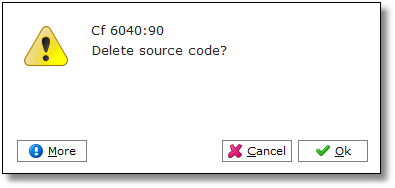
3. Click OK.
See next: How to Add New Purpose of Stay
How to Add a New Booking Method