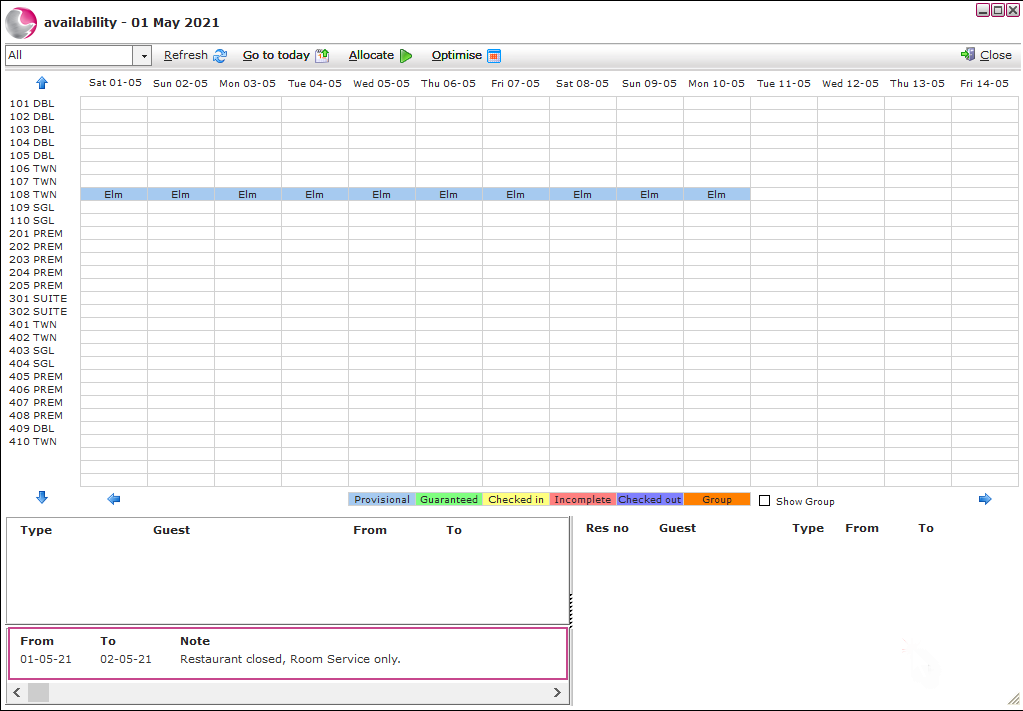
Chart Notes display information on the chart for all users to see. For example: they can be used to make users aware of events going on in the area, or to explain why rates might have been increased on certain dates.
Please note: These notes are not associated to reservations or guests.
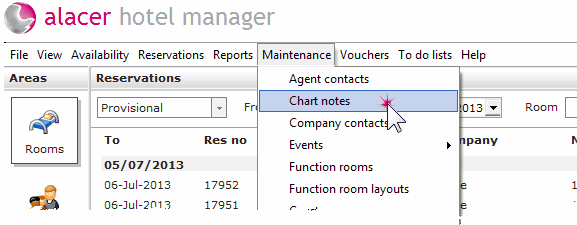
Click on the Maintenance Menu.
Select Chart Notes.
To Create a New Chart note, click New.

Select the required dates and enter the information in the note field.
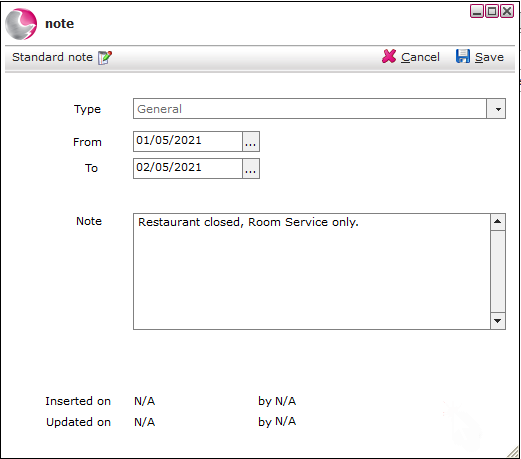
Click Save and Close out of the notes form.
The note will now appear on the chart in the notes section for the selected dates, as soon as the date on the note passes the note will no longer appear.