
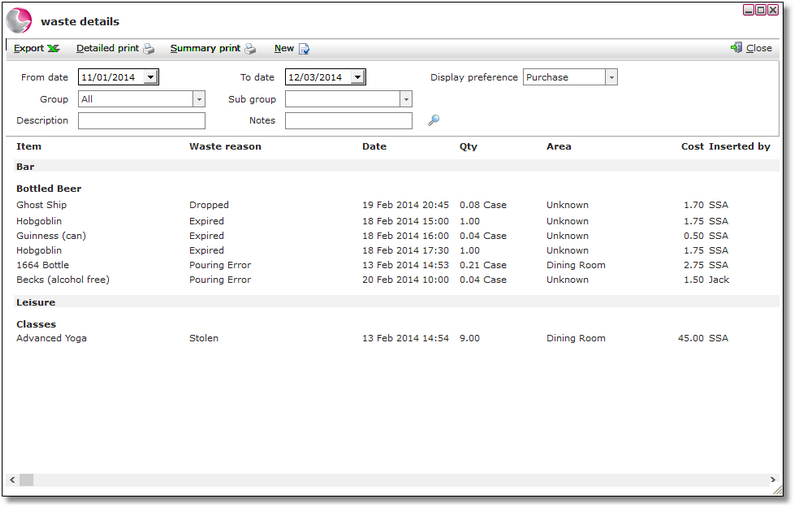
The waste report shows all the items recorded as waste through the EPoS.
Good to know: Waste is recorded on the EPoS. See How to Add Waste on EPOS.
Run the report
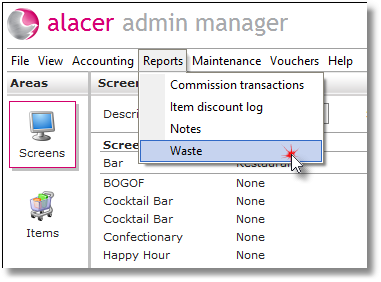
In the Reports menu, select Waste.
Select the From and To dates to show waste recorded between those dates.
Select a Display preference. This changes how the quantity is shown, for example by case or by bottle. It depends on how the item is set up in Stock Manager.
Need a new waste reason? See How to Add Waste Reasons.
Related articles