
Voucher categories group your voucher types, especially on the voucher engine. For example: Monetary, Restaurant, Afternoon Tea, Treatments and Accommodation.
Create a voucher category
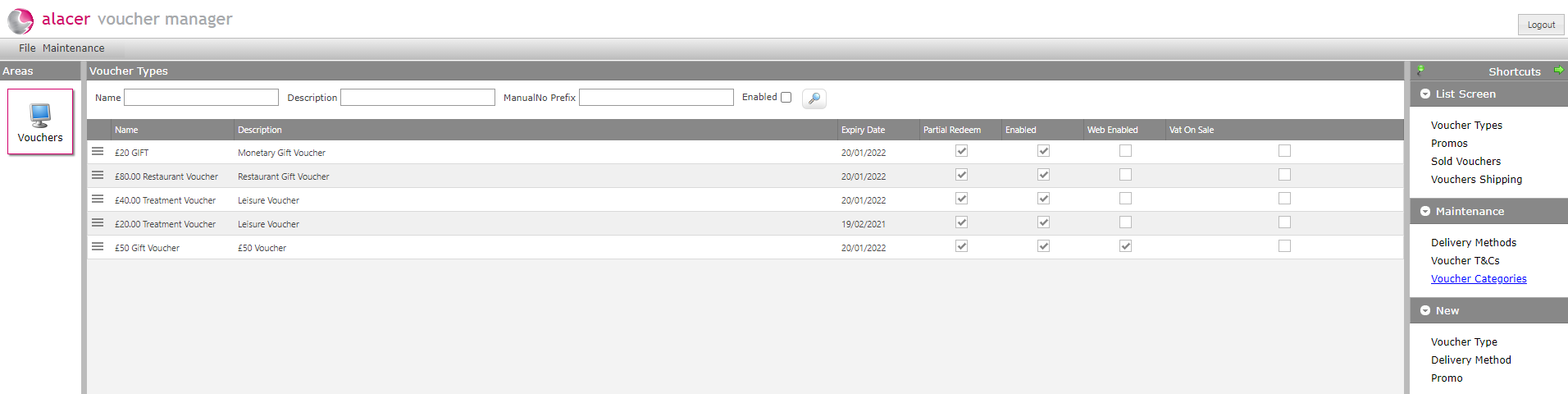
In the Maintenance menu, click Voucher categories.
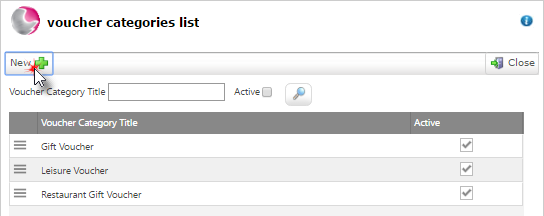
The category list shows. Click New.
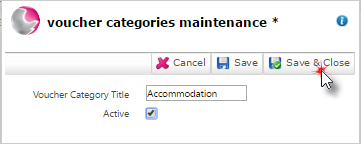
Enter a Voucher category title, tick Active, then click Save & Close.
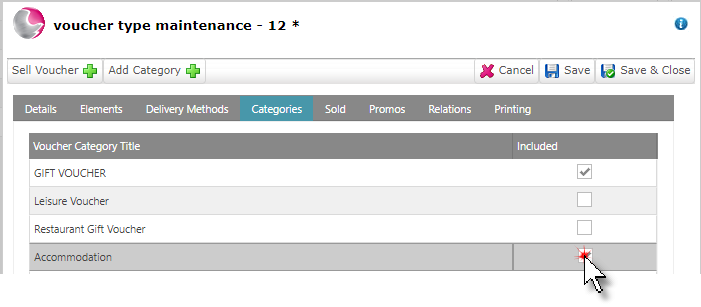
You can now select the category on the voucher type's Categories page. See How to Create a New Voucher Type.
Related articles