
When taking guest bookings it is good practice to check that the guest profile does not already exist, there are several reasons for this:
If a guest has made a reservation before their details already exist in the system making completing the reservation faster, a guest search is completed at the time of reservation to reduce the chances of duplicate guest records being created.
From the Customers perspective recognising them as a guest that has stayed before creates an excellent impression and makes them feel even more welcome at the time of reservation. From a Business perspective the customer details database is an essential marketing tool and having duplicate guest records may provide inaccurate data used for guest marketing promotions.
If duplicate guest records have been created the Merge Duplicate Guest option can be used to avoid losing any vital information about the guest but make the database much more efficient to use.
Using the Guest search:
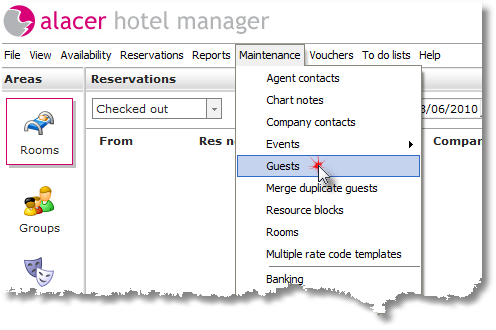
Select Guests from the Maintenance Menu.
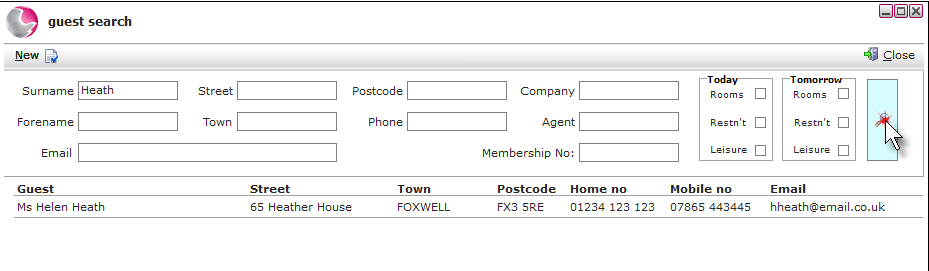
Enter the surname or any known details of the guest in the available search fields. Click the magnifying glass or press return on the keyboard to activate the search. Clicking on the guest will open up the guest's profile.
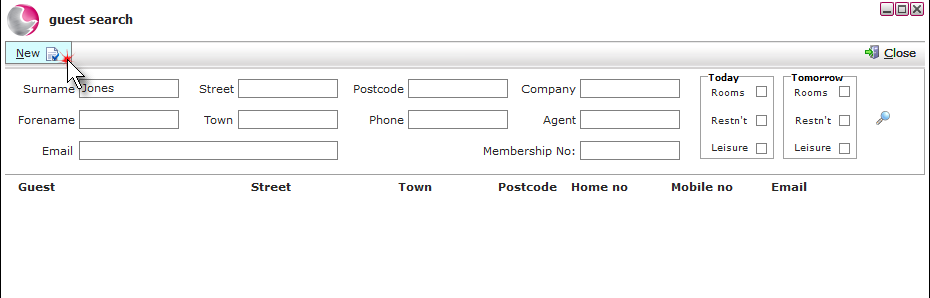
If the guest is not found in the database click on New.
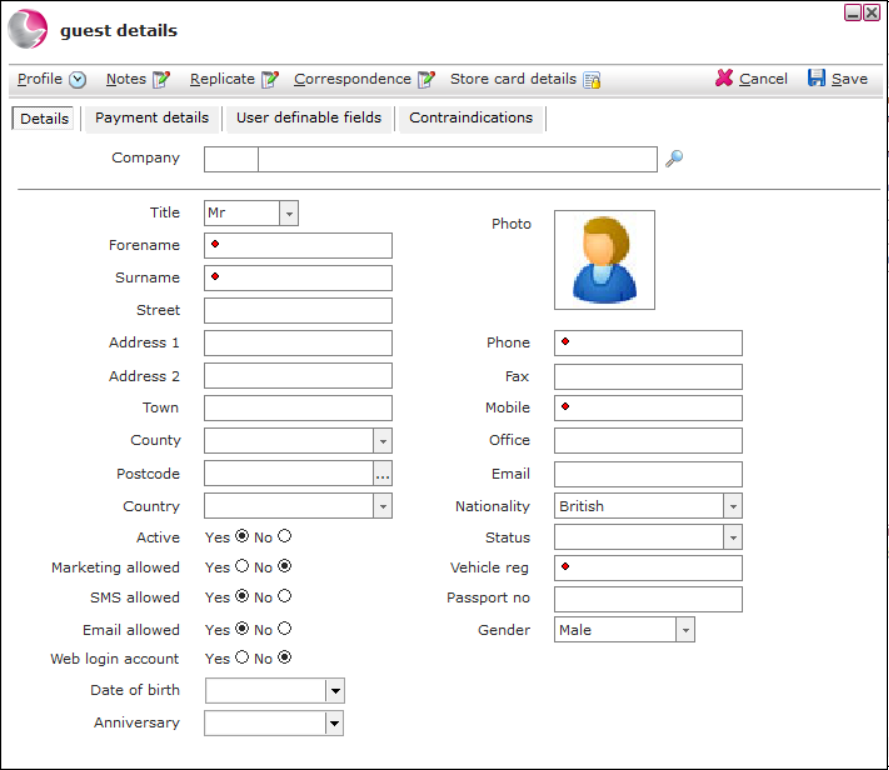
The guest details form will appear. It is good practice to gain as much information as possible to enable successful marketing. The minimum information such as name, address, telephone and email contact details should be entered to contact the guest prior to their arrival. The fields marked with a red dot are mandatory fields.
Click on Save