
If duplicate guest records have been created the merge duplicate guest function can be used to avoid losing any vital information about the guest and make the database much more efficient to use.
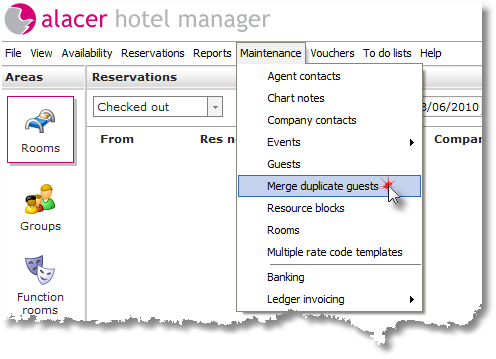
1. From the maintenance menu, Click Manage duplicate guests.
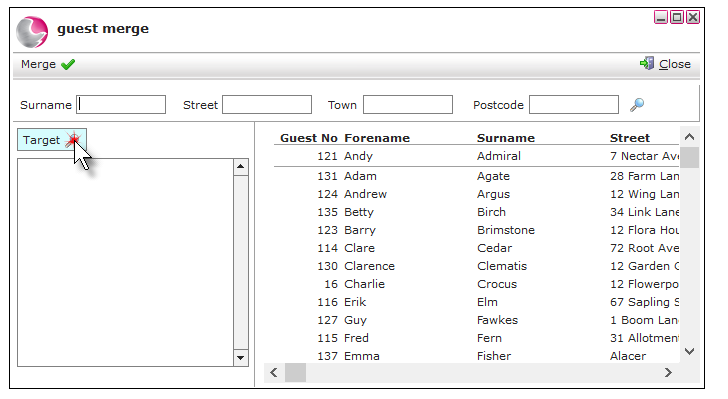
2. Click on Target.
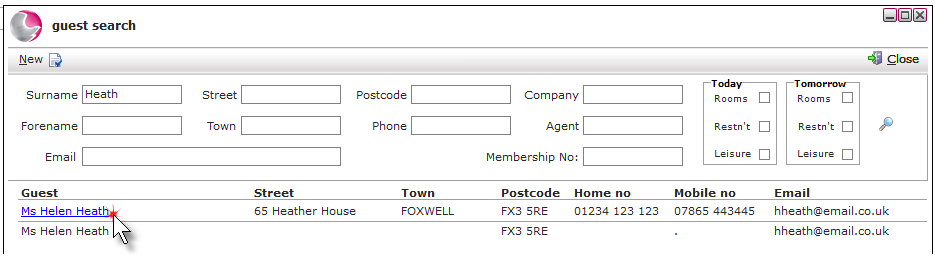
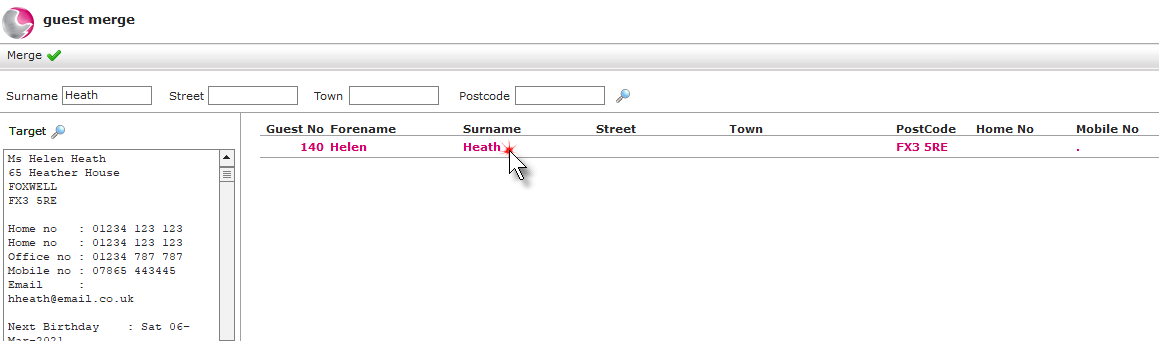
3. Use the search fields to locate the guest's details, this is the guest profile you wish to keep. Click on the profile.
4. Use the search fields to locate the duplicate guest.
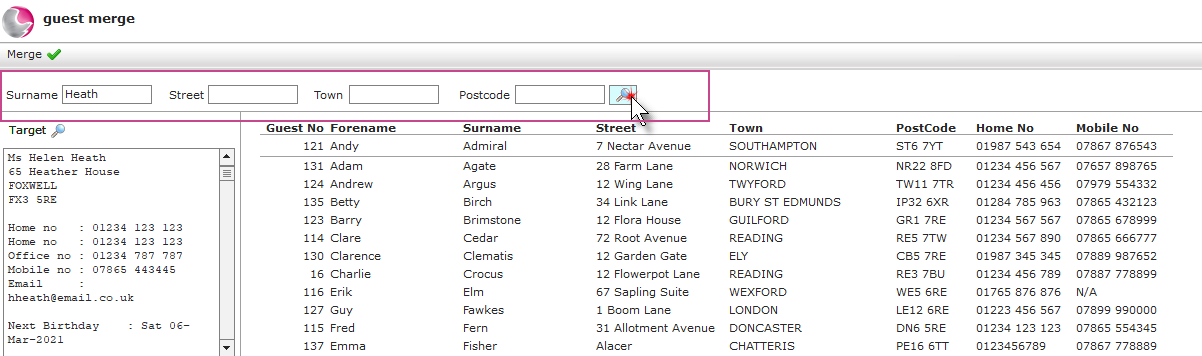
5. Select the duplicate guest.
The guest name will be highlighted pink.
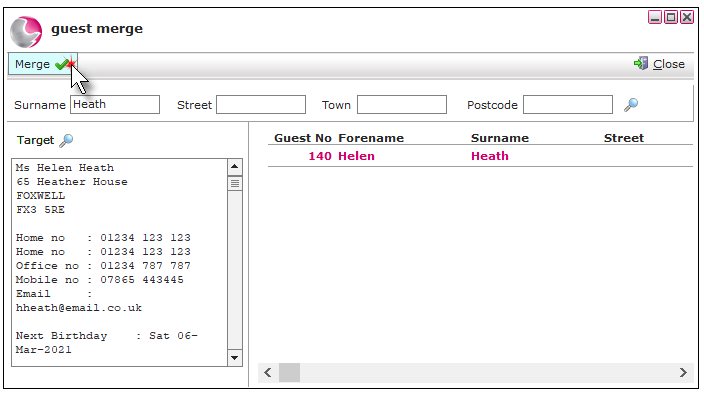
6. Click Merge.
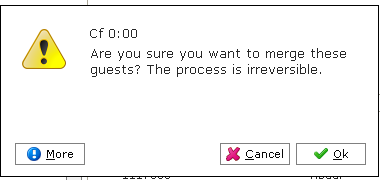
7. Click Ok.
See next: How to Add New Guest Profile
How to Change Guest 1 in a Bedroom Reservation