Vouchers can only be sold from Hotel Manager. New voucher types are created in the Voucher Manager application.
Sell a voucher:
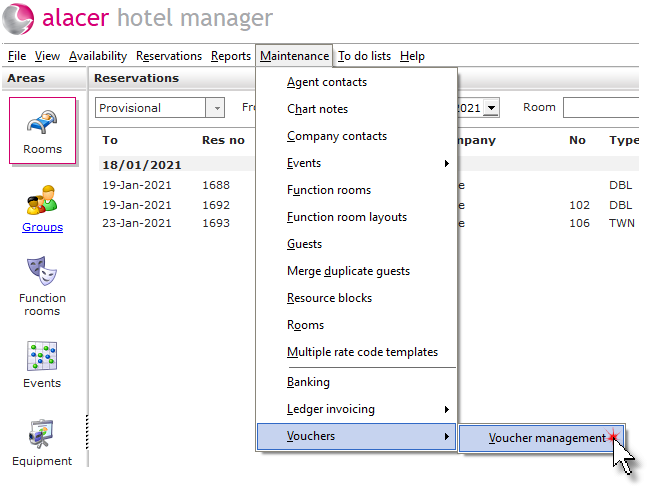
Click on Vouchers then Voucher management from the Maintenance menu.
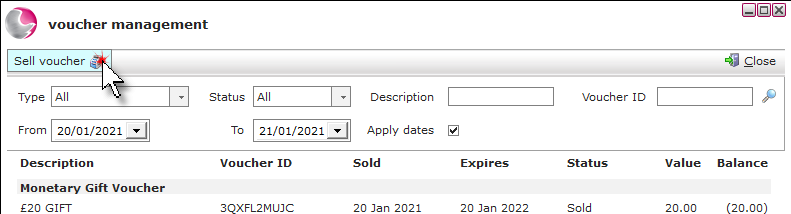
Click on Sell voucher.
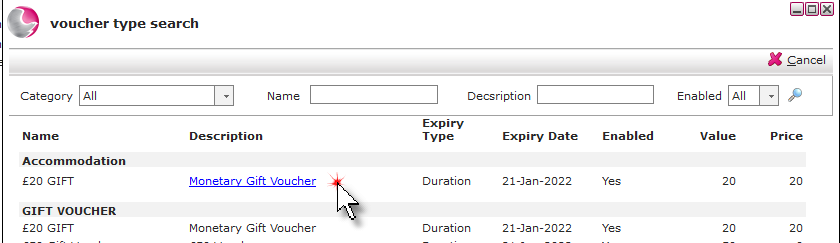
Click on the required voucher type.
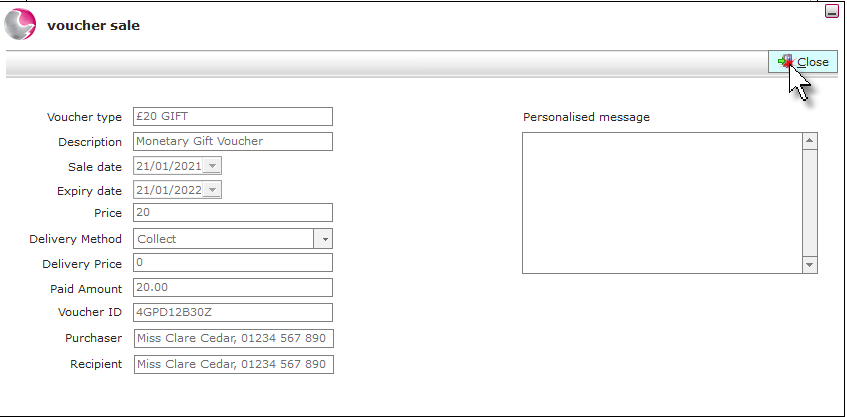
Complete the voucher sale page.
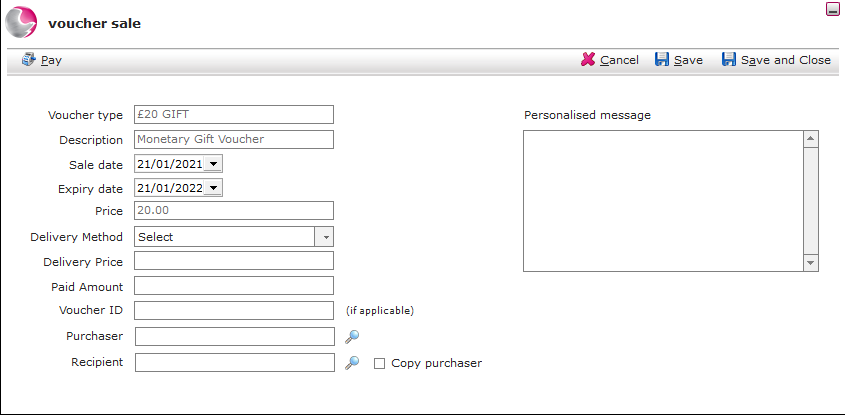
Voucher type: This field will display the voucher type that has been selected.
Description: This is the long description of the voucher type selected.
Sale date: Choose the sale date of the voucher if it is different to the date displayed.
Expires: Choose the expiry date of the voucher if it is different to the default expiry period.
Delivery method: Select the relevant delivery method from the drop down menu.
Delivery price: This will default to the price setup against the delivery method.
Voucher ID: Enter the voucher code. If no code is entered one will be generated at the payment stage.
Purchaser: Select a guest from the guest search or create a new guest for the purchaser.
Recipient: Select a guest from the guest search or create a new guest for the recipient.
Copy Purchaser: Tick if the address is the same as the purchasers address. If not select a recipient.
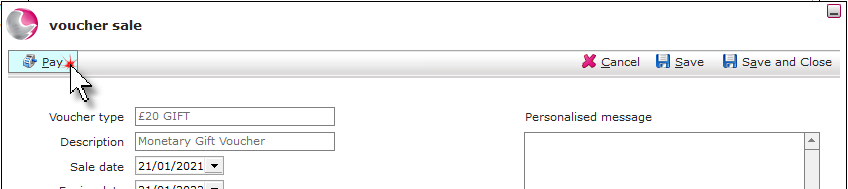
Click Pay.
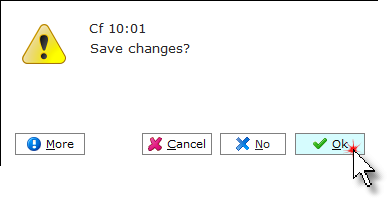
Click OK.
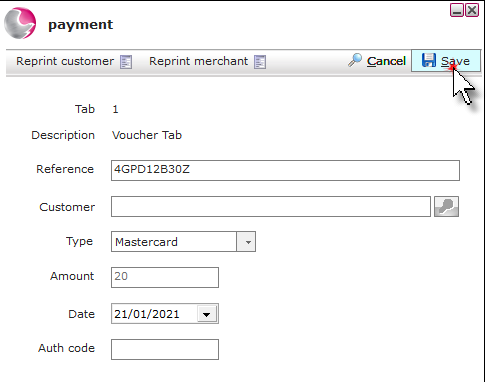
Select the payment type. Click Save.
Click Close.
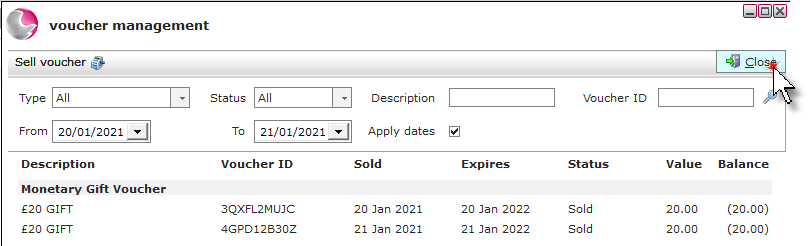
The sold voucher will display on the voucher management form. Click Close.