Due to licensing restrictions function rooms can only be added to or deleted from the system by Alacer. Contact the Alacer Help Desk to discuss adding and removing function rooms.
Change the name of a function room:
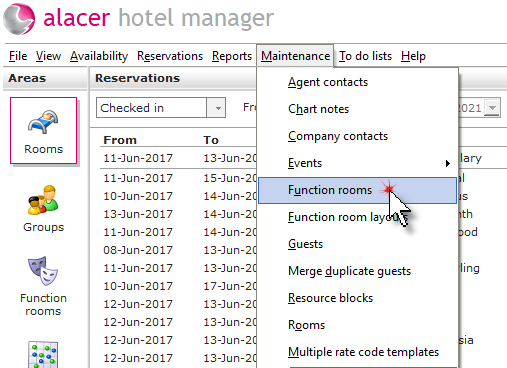
Click Function Rooms from the Maintenance menu.
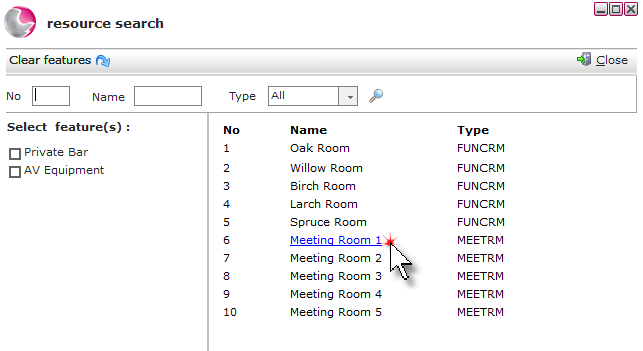
Use the search fields to find a specific room then click on the room.
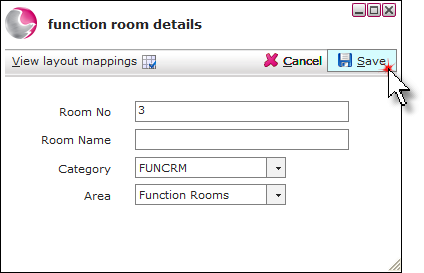
Enter a description in the room name field. Click Save.