
This article contains two methods to Check In a Reservation:
Using the Arrivals display:
1. Click on Arrivals from the Reservations shortcut.
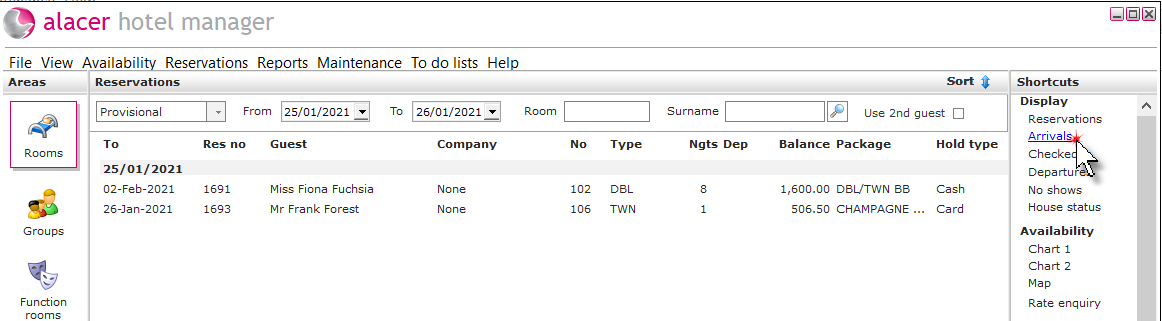
2. Click on the reservation to check it in.

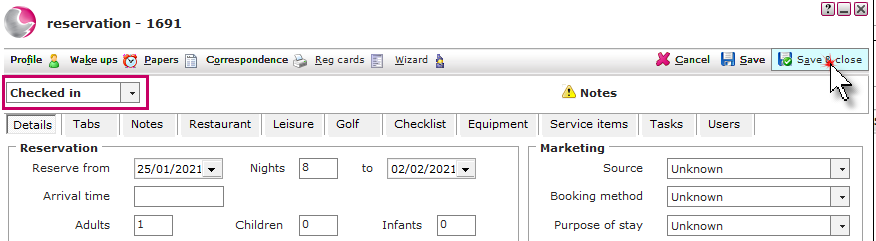
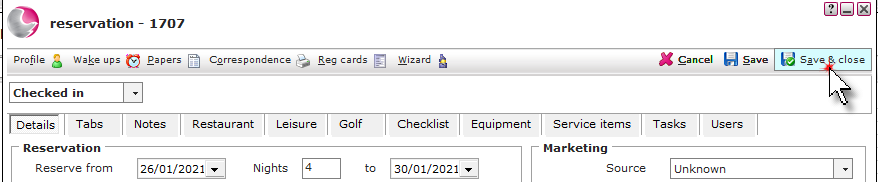
3. The reservation form will display with the checked in status. If any notes have been added to the reservation the notes page will display first. Click Save & Close.
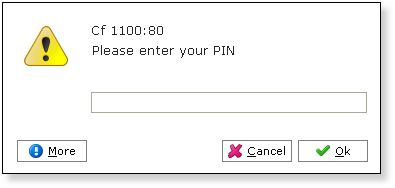
4. Enter a Pin number and click OK.
Using the Charts:
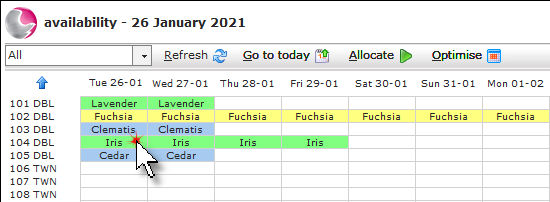
1. Click on the reservation on Chart.
See also: How to Use Chart 1
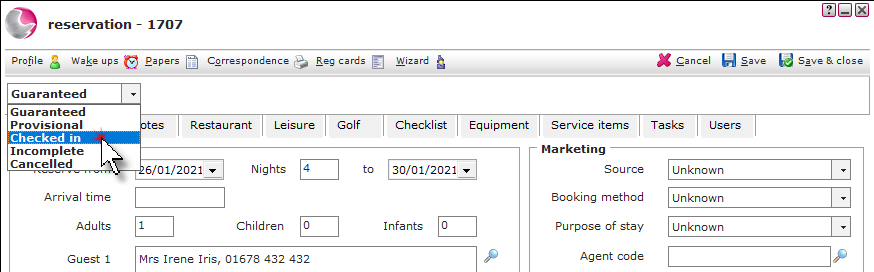
2. Change the status to Checked In.
See: Understanding The Reservation Status
3. Click Save & Close.
4. Enter a Pin number and click OK.
See next: How to Check Out Reservations
How to View/Print an Invoice
How to Cancel Bedroom Bookings