
Registration cards can be printed in bulk for all guests due to arrive on a certain date, or they can be printed individually. The system contains a default registration card, to discuss creating a bespoke registration card please contact the Alacer helpdesk.
Jump straight to: Print individual registration cards:
Print all registration cards:
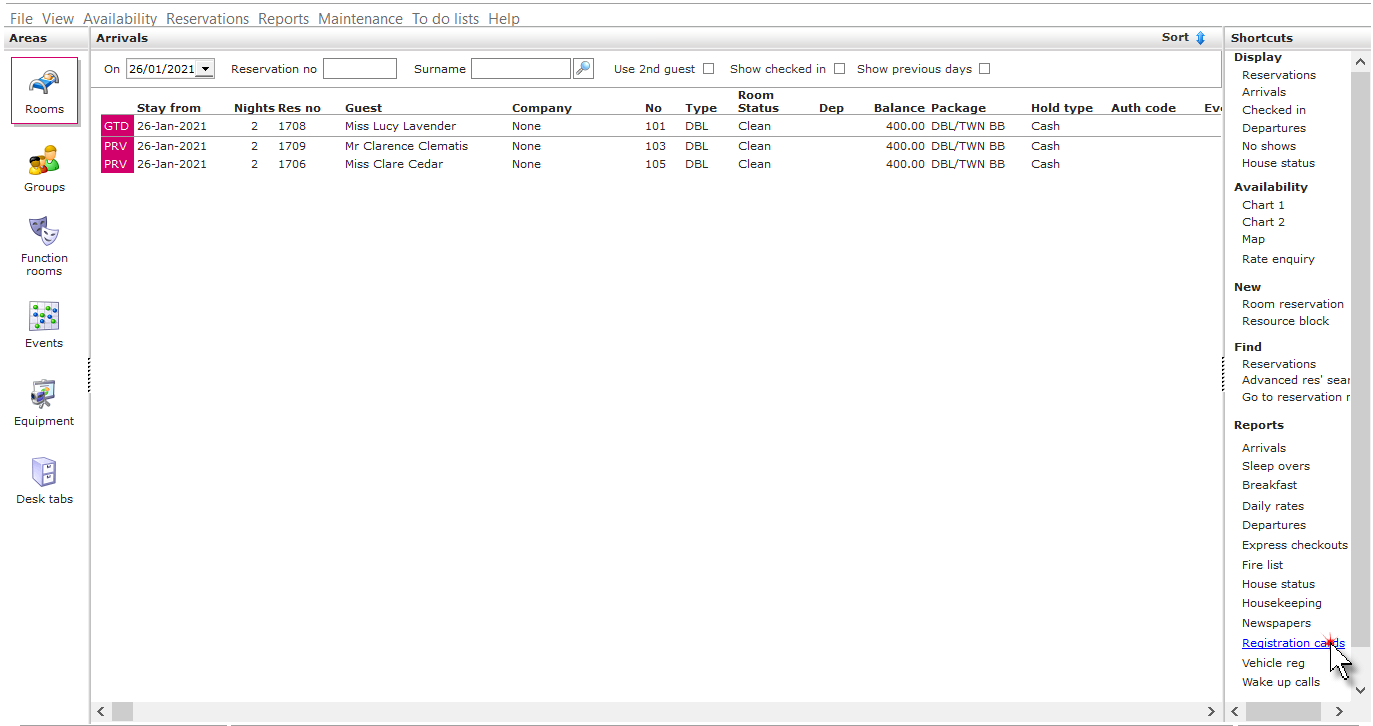
1. Click on Registration cards in the Reports shortcut menu.
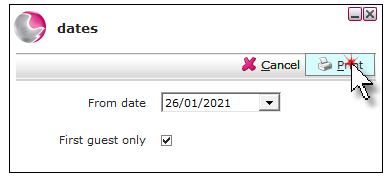
2. The dates form will default to today's date, change to the required date. To print registration cards for the first guest only select the first guest only tick box, otherwise a registration card will be printed for guest 1 and 2.
3. Click Print.
Print individual registration cards:
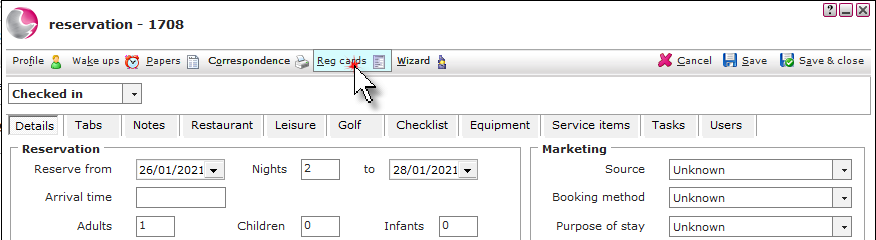
1. Open the reservation and click Reg cards.
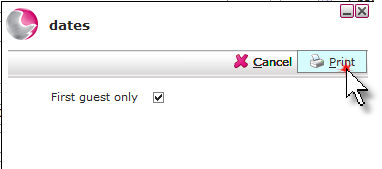
2. To print registration cards for the first guest only select the first guest only tick box, otherwise a registration card will be printed for guest 1 and 2.
3. Click Print.
See next: How to Check in a Reservation
How to Check Out a Reservation
How to Cancel Bedroom Reservations