
If an item on a tab can be absorbed by a package but has not done so automatically, the option to allocate charges to package will allow the package to absorb the cost of the item.
Allocating charges to a package:
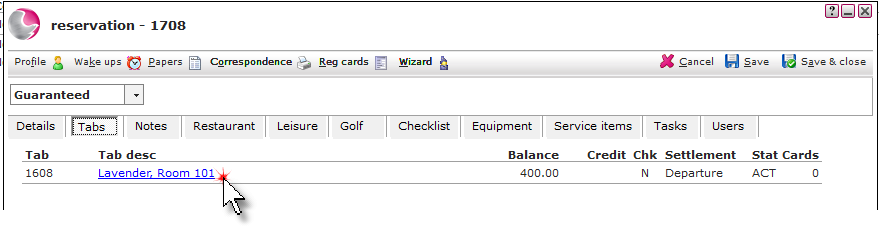
1. Open the reservation and click on the Tabs page. Click on the Tab description.
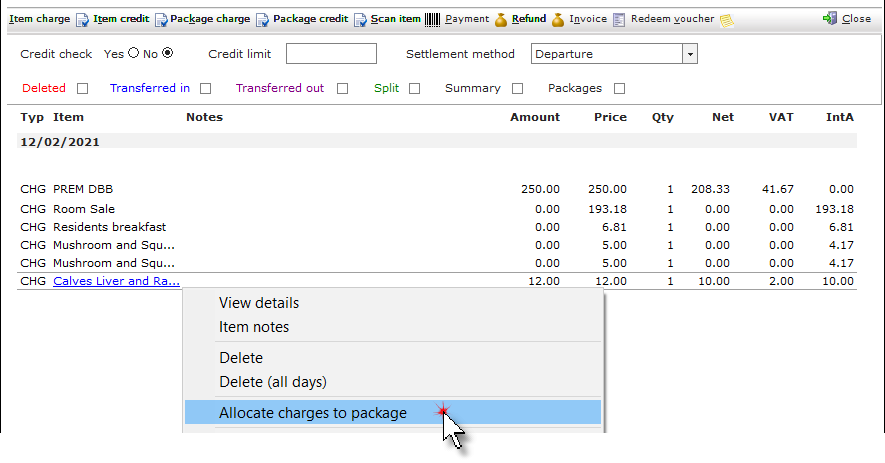
2. Right click on the item that needs to be absorbed. Select Allocate charges to package.
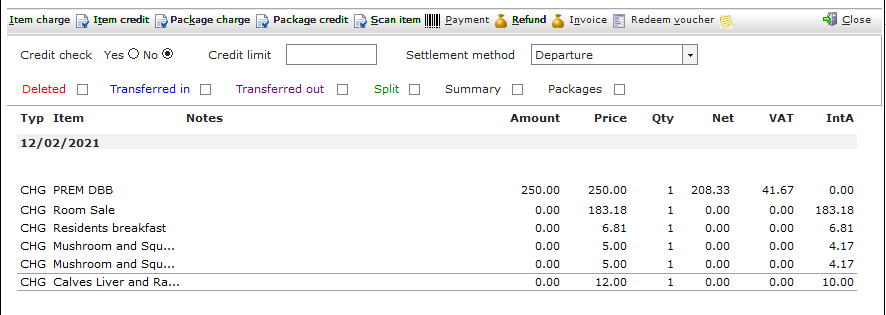
3. The item will be absorbed by the package.
See next: How to Add Item and Package Charges to a Tab
How to Create New Package
How to Add Package Credit to a Tab