
Desk tabs are tabs that are not associated with a reservation, some examples of when a desk tab may be used are:
- To process retails sales for purchases made by customers that do not have a reservation.
- To process refunds for customers.
- To process credit invoices for sales ledger accounts.
Create a new desk tab:
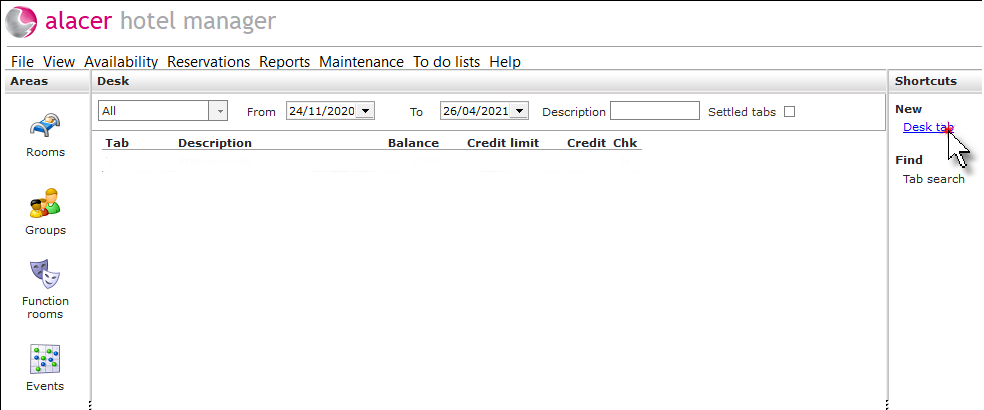
Click on the Desk tab area.

Click Desk tab under the New shortcut.
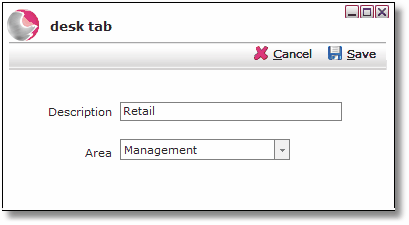
Enter a Description for the tab and select an Area. Click Save.
Click on the new tab that has been created.
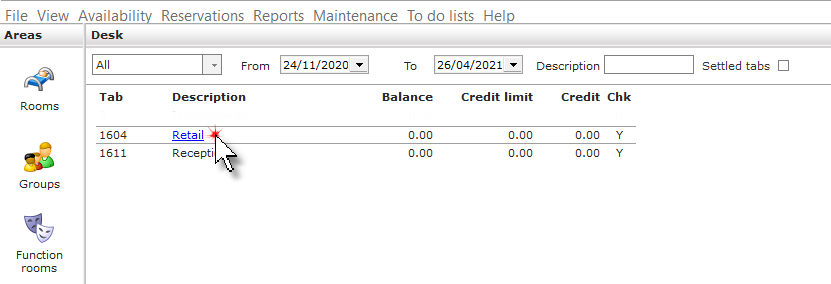
The tab can be used in the normal way to add Item and Package charges, Item credits, Package credits, Payments and Refunds.