
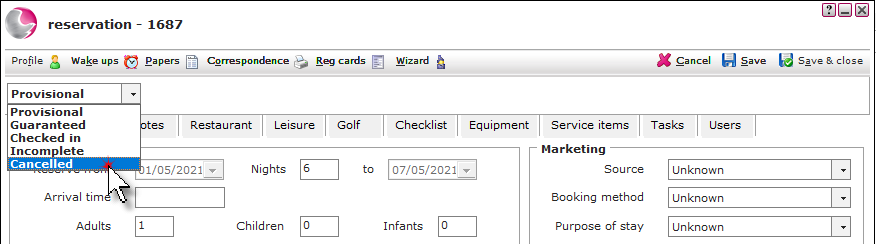
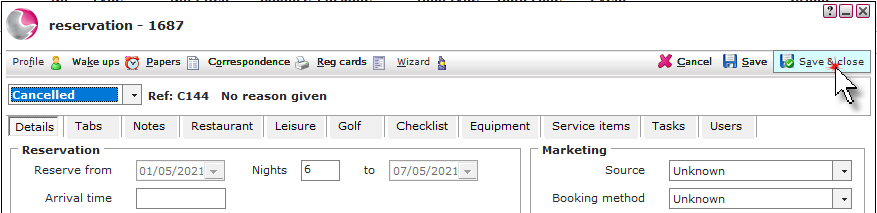
1. Open the reservation and change the status to Cancelled.
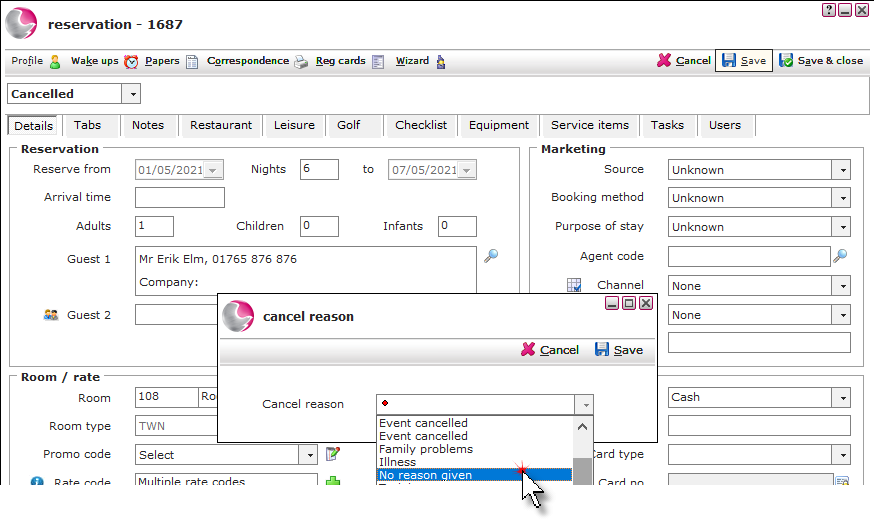
2. Click Save and select a Cancellation reason.
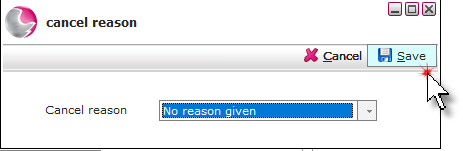
3. Click Save.
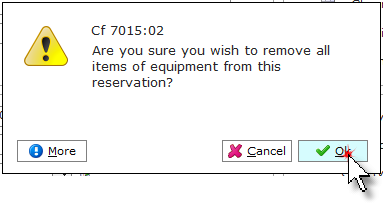
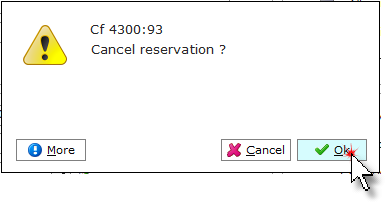
4. Click OK.
5. Click OK.
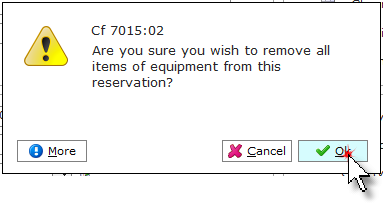
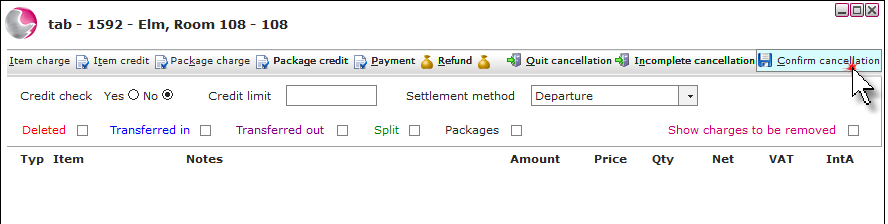
Without Cancellation Charge
6. All packages will be removed from the tab. If the rate code the guest is booked on does not have a cancellation policy attached,
See How to Create New Rate Code
7. Click Confirm cancellation.
Any additional charges i.e. Z Beds will need to be deleted / credited before the cancellation can be confirmed.
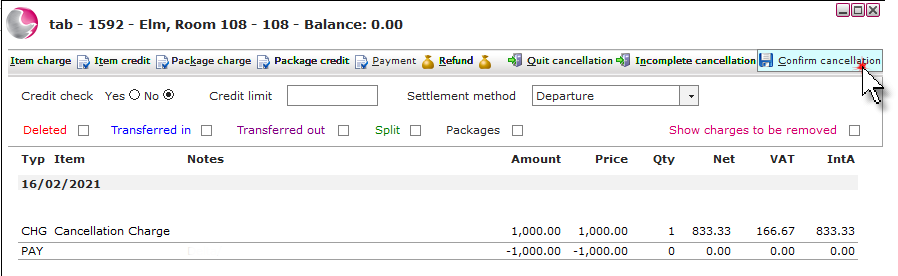
With Cancellation Charge
6. If the rate code the guest is booked on does have a cancellation policy attached, the cancellation charge will display on the tab and a payment will need to be added to the tab or the cancellation charge will need to be deleted / credited.
See How to Create Cancellation Policy
7. Click Confirm cancellation.
Any additional charges i.e. Z Beds will need to be deleted / credited before the cancellation can be confirmed.
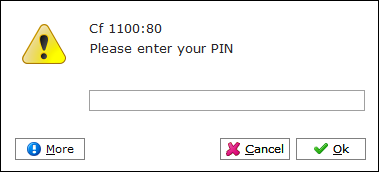
8. Enter a PIN. Click OK.
9. Click OK.
10. Click Save & Close.
See next: How to Add Payment to the Tab
How to Refund Payment on the Tab
How to Send Correspondence/Confirmation Email