
Equipment can be booked out against reservations to enable users to see into where and when equipment is in use.
Need to Create New Equipment? See How to do It
Add equipment to a reservation:
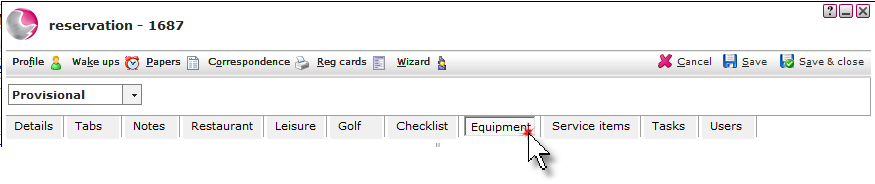
1. Open the reservation and click on the Equipment page.
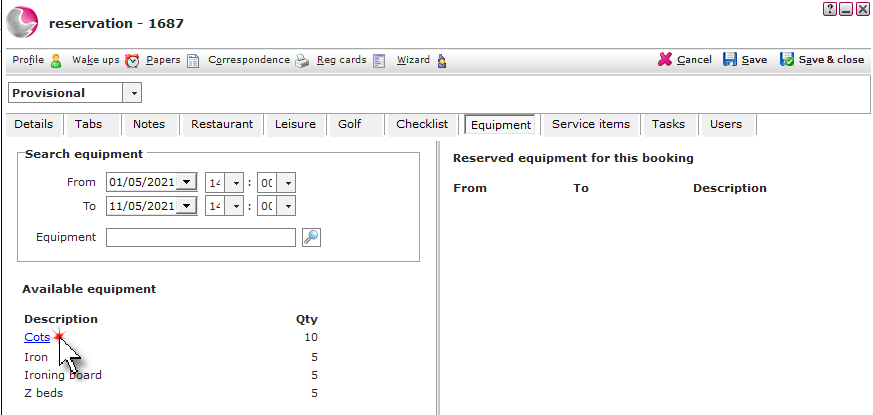
2. Use the search filters to select the date the time the equipment is required. Click on the equipment.
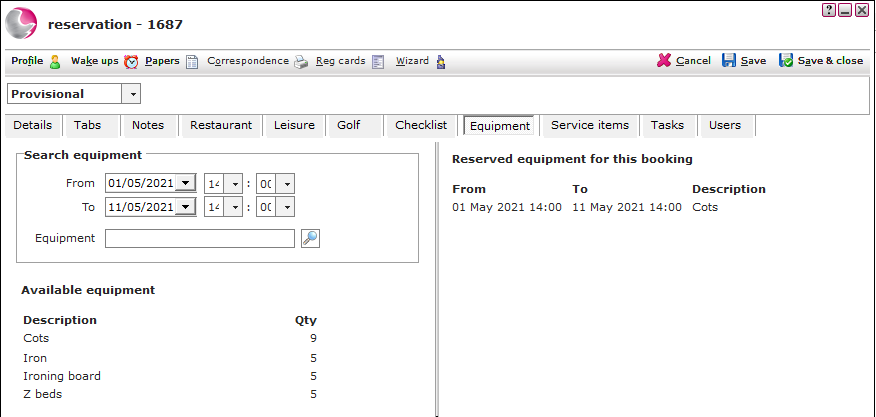
3. The reserved equipment will display on the right side of the form.
Remove equipment on a reservation:
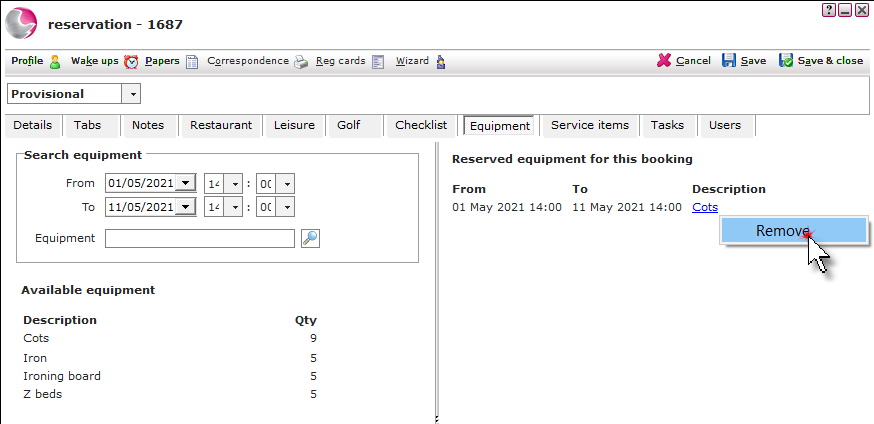
1. Right click on the reserved equipment on the right side of the form. Select Remove.
See next: How to Check Equipment Availability/Reservations
How to Add Notes to a Reservation
How to Send Correspondence/Confirmation Email