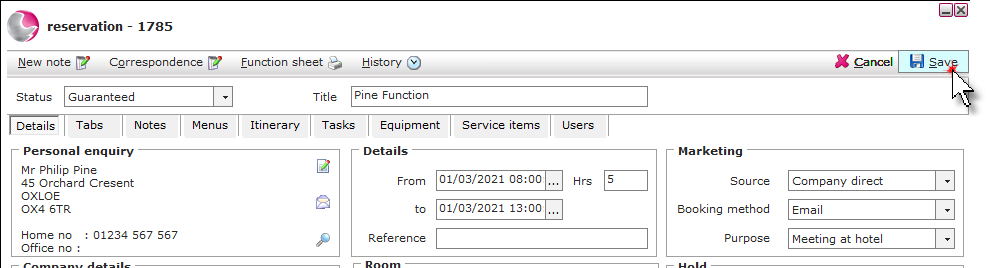
Click on the Function rooms area.

From the function room charts:
Click on one of the charts under the availability shortcut.
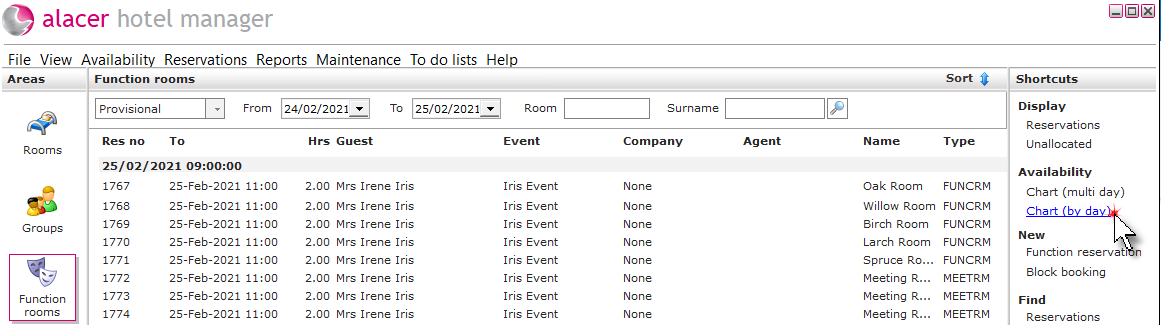
Select the dates and use the filters to find availability, left click, hold and drag the mouse to highlight the required time. Right click and select New reservation.
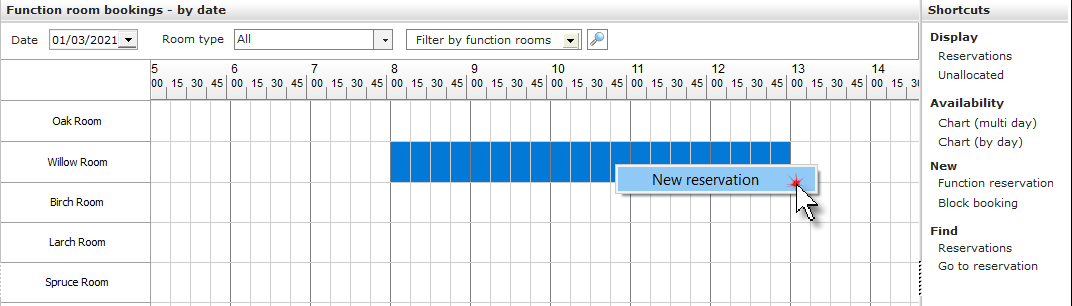
From the new function reservation shortcut:
Click on Function reservation under the New shortcut.
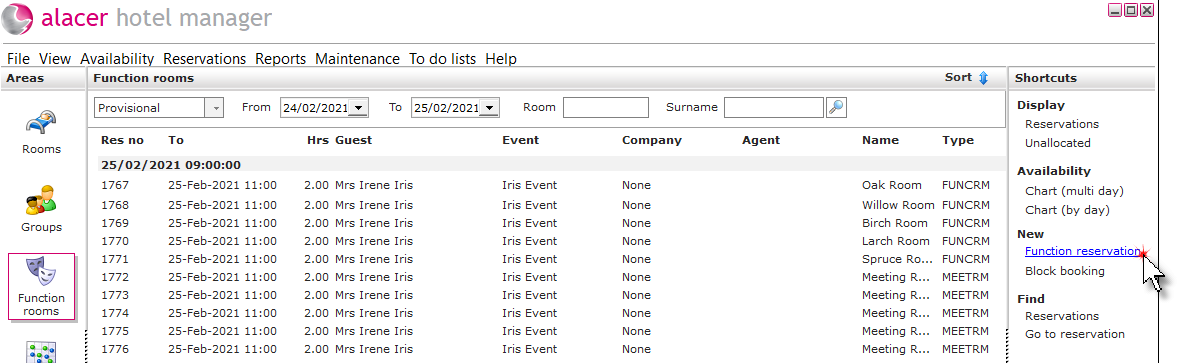
Complete the reservation form.
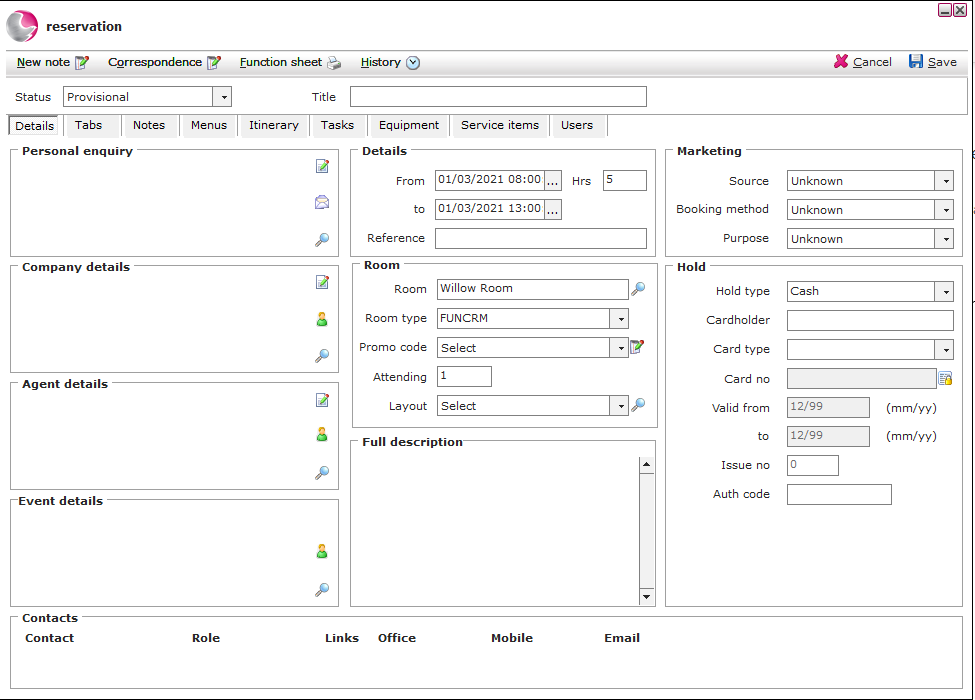
Function title: Enter the name of the function booking.
Status: Select a status.
Personal enquiry: Select a guest as the main contact for the function.
Company details: Select a company if required.
Agent details: Select an agent if required.
Event details: Select if the function is part of an event.
Contacts: If additional contacts need to be added, right click in the box and select add contact which will open the guest search.
Details: Check/amend the reservation dates.
Room:
Check/amend the function room.
select a promo code if required.
Enter the amount of guests attending.
Select a function room layout.
Full description: Function information can be added in this box.
Marketing: Select a source code, booking method and purpose of stay if required.
Hold: Enter the credit card details if required.
Click Save.