
Analysis / Nominal codes are codes that are set up in the system to identify items and help breakdown these items into groups for reporting and accounting purposes.
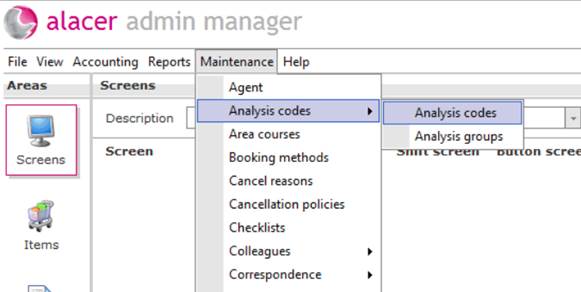
1. From the maintenance menu click on Analysis codes.
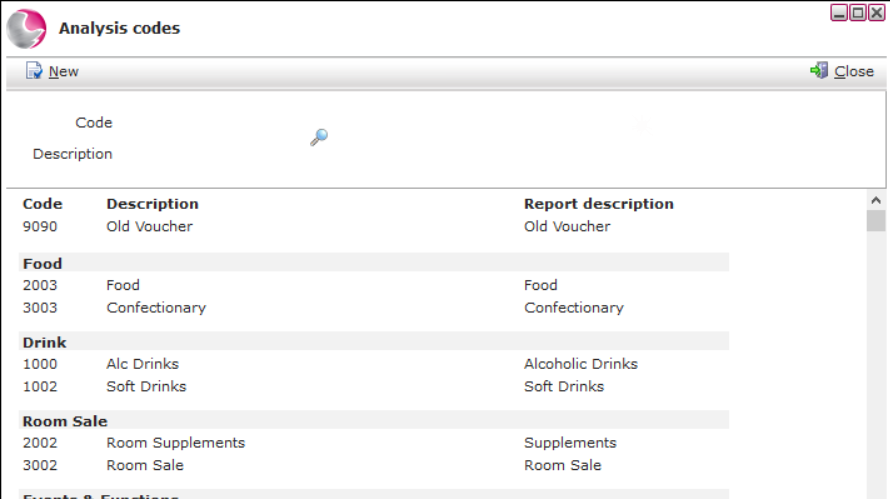
2. This will bring up the Analysis codes form, showing any codes that have already been set up in the system.
3. Use the search fields and magnifying glass to search the system for existing analysis codes and click on the code to view details.
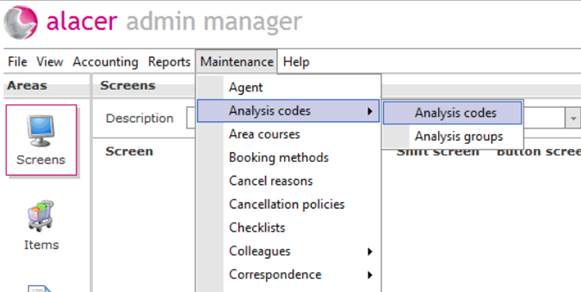
4. From the maintenance menu click on Analysis codes.
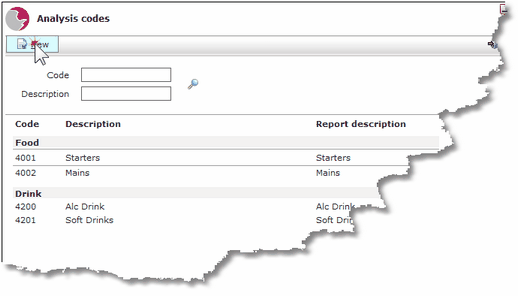
5. Click on New.
6. Complete the Analysis code details form.
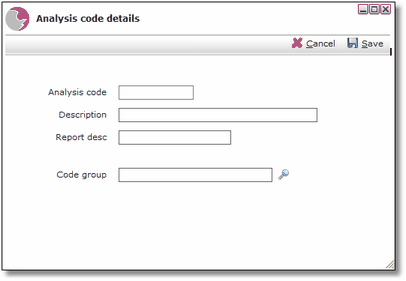
Analysis Code: This is usually chosen by the accounts department to coincide with other analysis codes that have already been set up in the system and accounting software.
Description: Enter a description of the nominal code.
Reporting desc: Enter a Reporting description.
Code Group: If the item relates to an existing analysis group use the magnifying glass to search the system.
7. Click Save.
See next: How to Create a New Item
How to Run a Journal