
Security profiles contain elements that will allow users to perform specific actions the system.
For example: Amend colleague user profiles, unlock credit card details on a reservation and access reports.
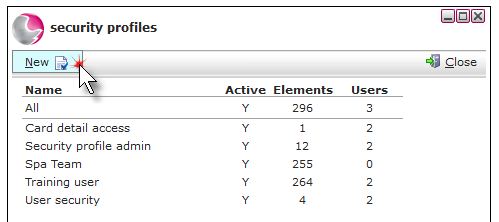
1. Click New.
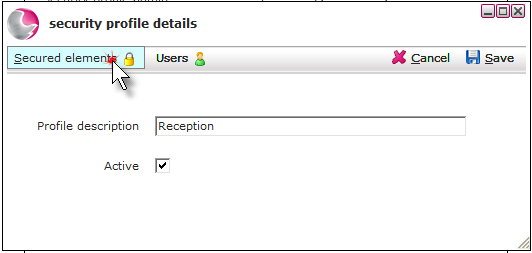
2. Enter a profile description and click secured elements.
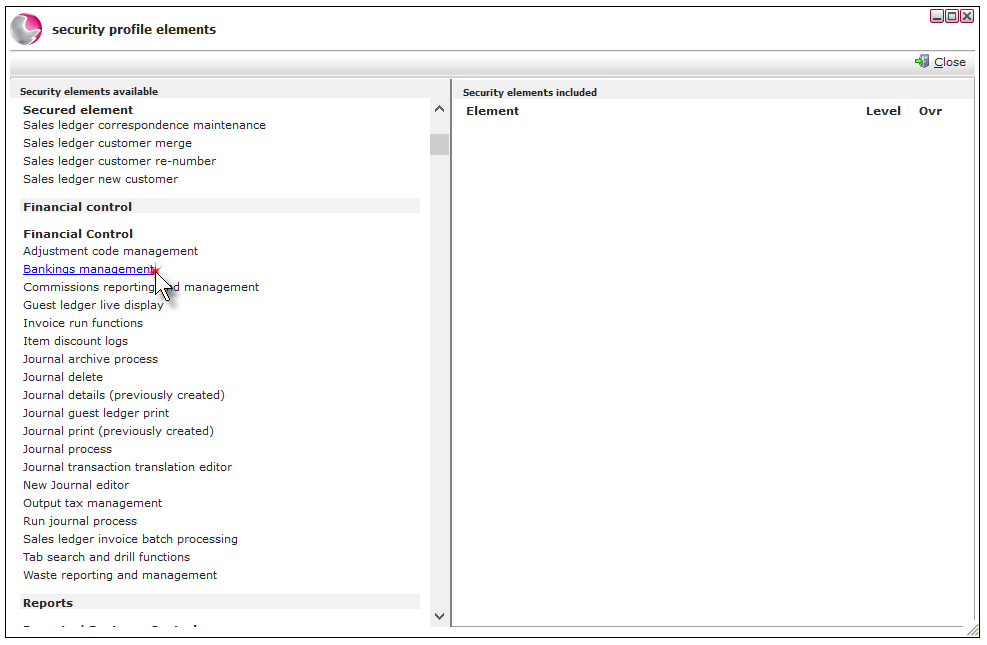
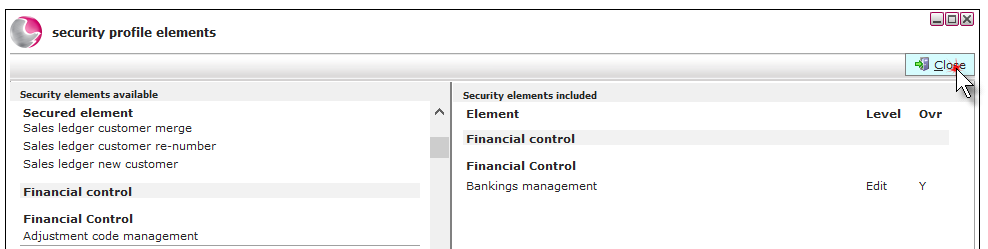
3. The available security elements are displayed on the left side of the form. Click on the required elements to add them to the group.
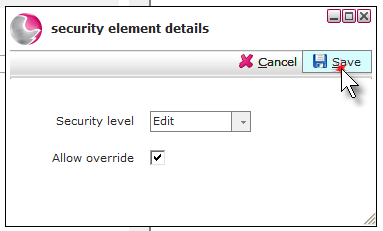
4. Select Edit and Allow override, then Save.
5. Click Close.
6. Add users to the new security profile
Don't know how? See How to Add a User to Security Profiles
See next: How to Create a New User