
Packages can only be deleted if they have not been sold and they are not attached to a rate code.
If a package has been sold it can only be disabled after removing it from any rate codes it is attached to.
Disabling a package:
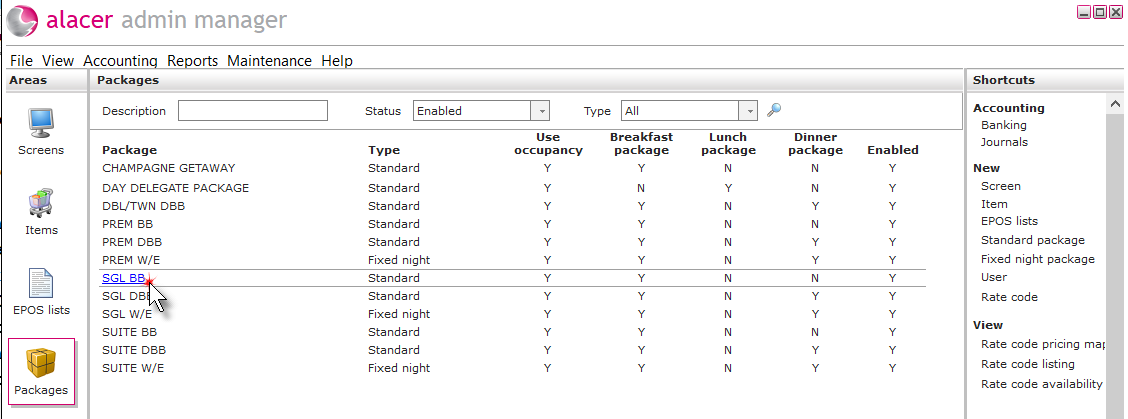
1. Click on the Package icon in the Areas section on the screen.

2. Click on the package.
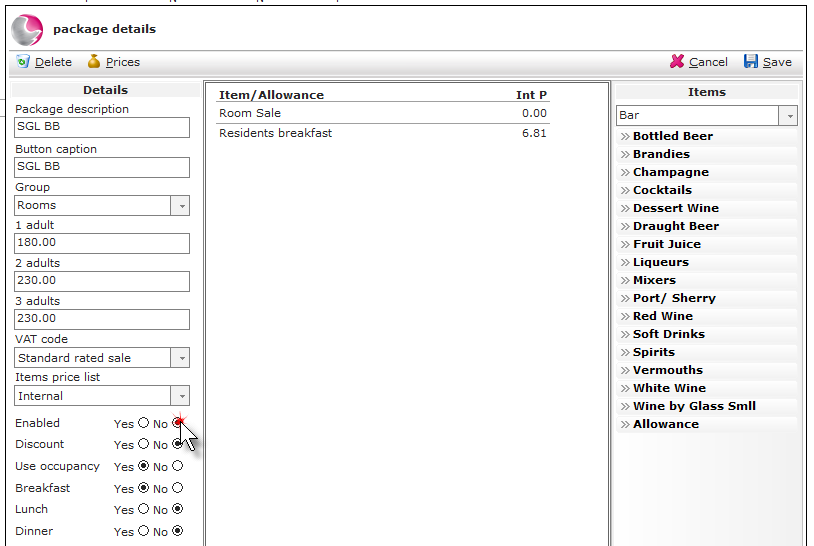
3. Click enabled 'No'.
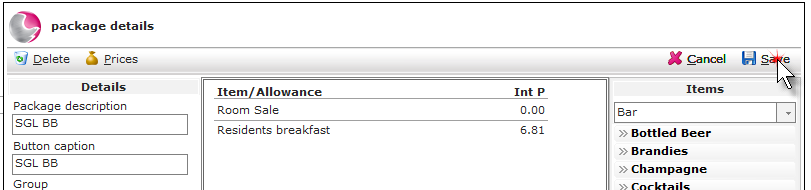
4. Click Save.
Deleting a package:
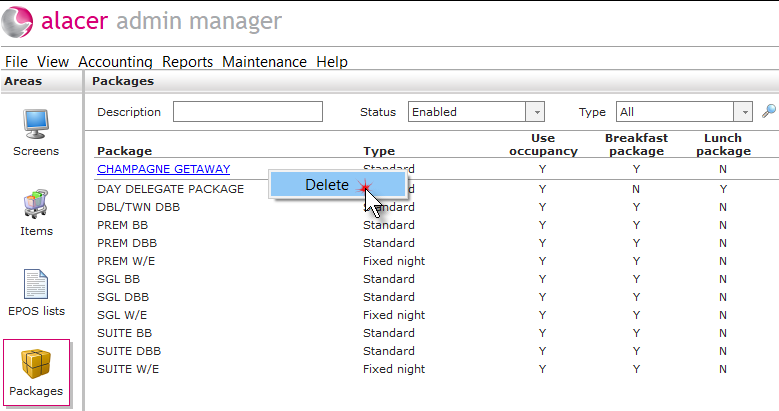
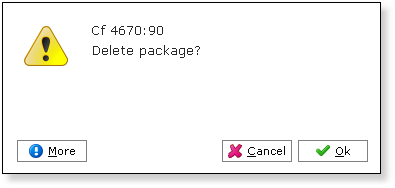
1. Right click on the package. Click Delete.
2. Click OK.
See next:
How to Create a Standard Package